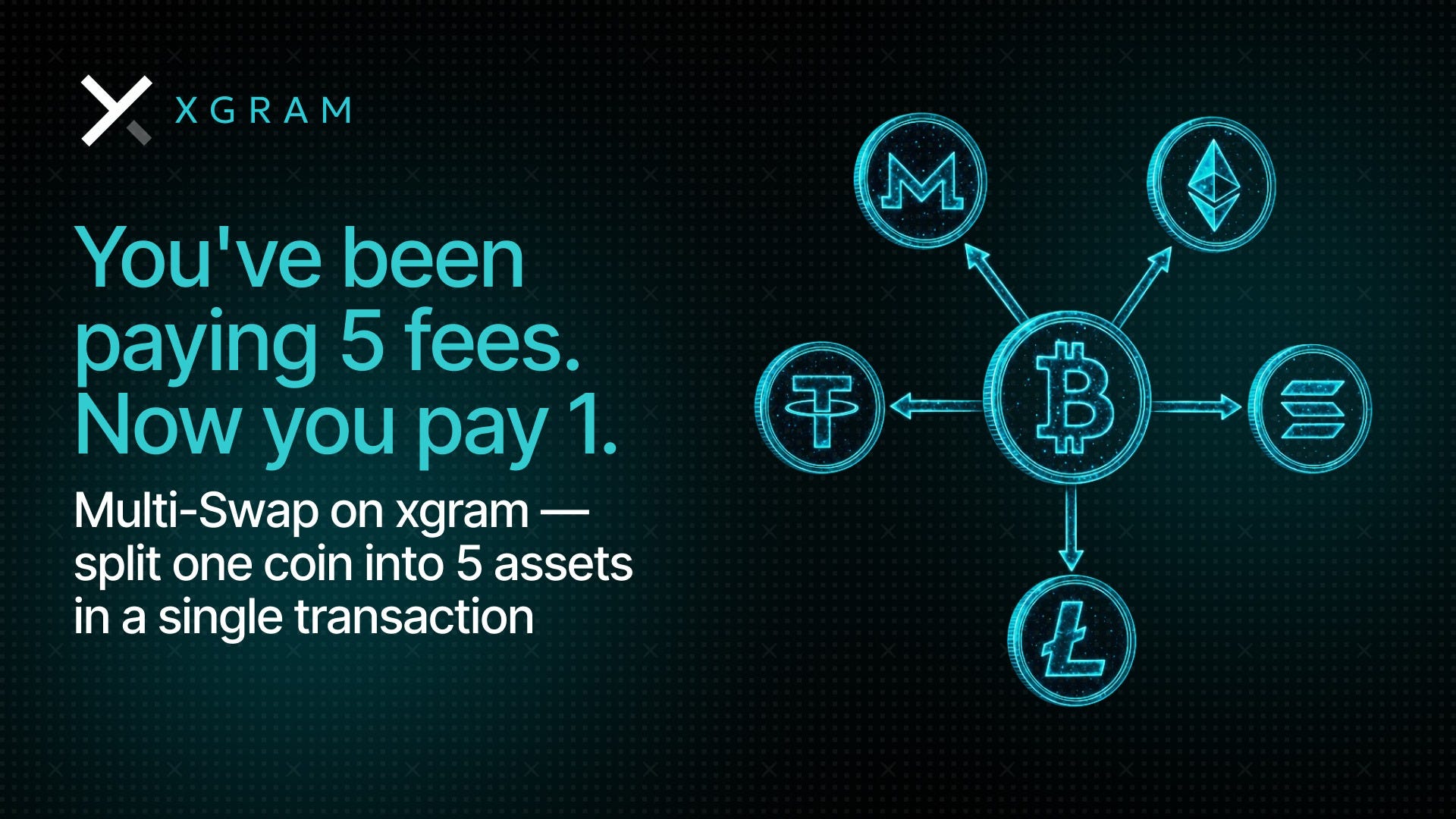
Multi-Swap: How to Split One Coin Into Five — In a Single Transaction
Reading time: 4 minutes
 Xgram3 min read·Just now
--
Most crypto users treat rebalancing as a routine task. Pick a coin, swap it, repeat. What they don’t track is the cumulative cost of doing that repeatedly — one transaction at a time.
Multi-Swap changes the math entirely. Here’s what it is, why it matters, and how to use it.
The Hidden Cost of One-by-One Swaps
Every swap is an independent transaction. That means every swap carries its own fee — regardless of whether you’re swapping from the same source coin five times in a row.
Consider a standard rebalancing scenario: you’re holding BTC and want to distribute it across XMR, ETH, USDT, SOL, and LTC. Under the traditional model, that’s five separate operations, five separate fees.
What Multi-Swap Does
Multi-Swap bundles multiple swaps from a single source coin into one transaction. Instead of executing five separate operations, you select BTC once, add up to five destination coins, and hit Exchange. Everything settles simultaneously — under a single fee.
One source coin → up to 5 destinations → one transaction → one fee.
The fee structure changes fundamentally: instead of paying per swap, you pay once for the entire operation. The more swaps you combine, the greater the saving relative to doing them individually.
Who Benefits Most
Multi-Swap is particularly relevant in three scenarios:
- Portfolio rebalancing: Distributing a single asset across multiple positions in one session — the classic use case where per-swap fees stack up fastest.
- Profit-taking with diversification: Converting BTC gains into a mix of stablecoins and alternative assets without executing sequential transactions.
- Privacy-preserving distribution: Splitting holdings across multiple privacy coins (e.g. XMR, DASH) in a single operation, reducing on-chain footprint.
How It Works on Xgram
The flow is straightforward:
① Select your source coin (e.g. BTC)
② Choose your first destination coin and amount
③ Click “Add Swap” — select the next destination
④ Repeat for up to 5 swaps total
⑤ Hit Exchange — all swaps execute in one transaction
All commissions are included in the displayed rate. There are no hidden charges per additional swap. Processing time remains consistent with standard XGram operations: typically 4–7 minutes.
Practical Considerations
A few things worth knowing before using Multi-Swap:
- The source coin is fixed across all swaps in a single Multi-Swap operation. You cannot mix source coins within one transaction.
- Up to 5 destination swaps can be added per operation.
- All swaps within the operation are executed simultaneously — there is no sequential dependency between them.
Bottom Line
Unlike other solutions out there, Multi-Swap won’t alter the nature of the cryptocurrency system but rather will lower the cost of its handling. In this respect, for every person switching from one asset to another on a regular basis, the calculations are pretty easy: the fewer exchanges you make, the fewer costs you incur.
Multi-Swap is now available on xgram.io — no registration needed