I don’t like CVs. So I built a website instead.
 Just_Luuuu5 min read·1 hour ago
--
I had some free time. The kind that makes you restless, the kind where you need a project, something to learn, something to build. I’ve always been drawn to new challenges. Contributing to things. Growing outside my comfort zone.
I started exploring opportunities, and then I hit the wall every professional dreads: the CV. I despise CVs. Not because I lack experience, but I just hate the format. A flat document that’s supposed to represent who you are.
And then an idea sparked: Why not make it a webpage?
Create your resume webpage in one 30 min
Good news, it's easy, and anyone can do it now. No developer skills needed. Just your CV, Claude, and €3 for a domain.
I already owned luuu.xyz. Bought it over a year ago, let it sit. A domain with no purpose is basically renting a plot of land and leaving it empty. Time to build something.
Here’s the thing: I am not a developer. I’ve never written a single line of HTML in my life. I have solid technical knowledge from my work in Web3, but coding? Never touched it.
Turns out — it doesn’t matter anymore. Anyone can do this now.
What you actually need
That’s the full list. Four things. One of them you might already have ( your CV). The other two are free or nearly free.
- Domain: I bought luuu.xyz on Namecheap for a few euros over a year ago. Any domain works.
- Hosting: Netlify’s free tier is more than enough for a personal portfolio page.
- Claude: This is your developer. You describe what you want, and it writes the code.
- Your CV: The raw material. Claude turns it into a proper webpage.
Total cost: under €5. Total time: about 30 min. Developer experience required: zero.
How to prompt Claude step by step
This is where most people get stuck. They open an AI tool and don’t know what to say. Here’s exactly how I did it.
Step 1: Feed it your CV
Paste your full CV text directly into the chat. Or attach it as a file. Claude reads it, understands your experience, your roles, your skills. This becomes the backbone of your page.
Here is my CV. I want you to build a personal resume webpage with this information.
Step 2: Add your LinkedIn screenshots
Claude can’t access your LinkedIn profile; it has no internet access inside the conversation. So I took screenshots of my profile and uploaded them directly. Your profile picture, headline, about section, and any extra details you want included.
Here are screenshots of my LinkedIn profile for additional context
and a photo to use on the page.
Step 3: Describe the style
This is your design brief. Don’t be shy — the more specific you are, the better the result. I knew I wanted something dark, minimal, and modern. Web3-native. Nothing corporate.
Design style: dark mode, dark background, modern and minimal.
Color accent: cyan and purple gradient.
Vibe: Web3 professional portfolio, not a traditional CV.
Include: smooth scroll, hover effects, responsive for mobile.
Step 4: Ask for the code
Now write me a complete single-file HTML resume webpage
using everything above. Include all CSS inside the file.
Make it ready to deploy.
Claude returns a full HTML file. Copy it. Save it as index.html. That's your website.
Step 5: Iterate and refine
The first version is rarely final — and that’s fine. I went back and forth several times:
“Add a dark mode toggle in the top right corner.”
“Make the skills section display as a grid of pills.”
“The header font is too large on mobile — fix that.”
“Add a subtle animation when sections scroll into view.”
Each time, Claude updated the code. Each time, the page got better. Think of it as a conversation with a developer who never gets annoyed at revision requests.
What ended up on the page
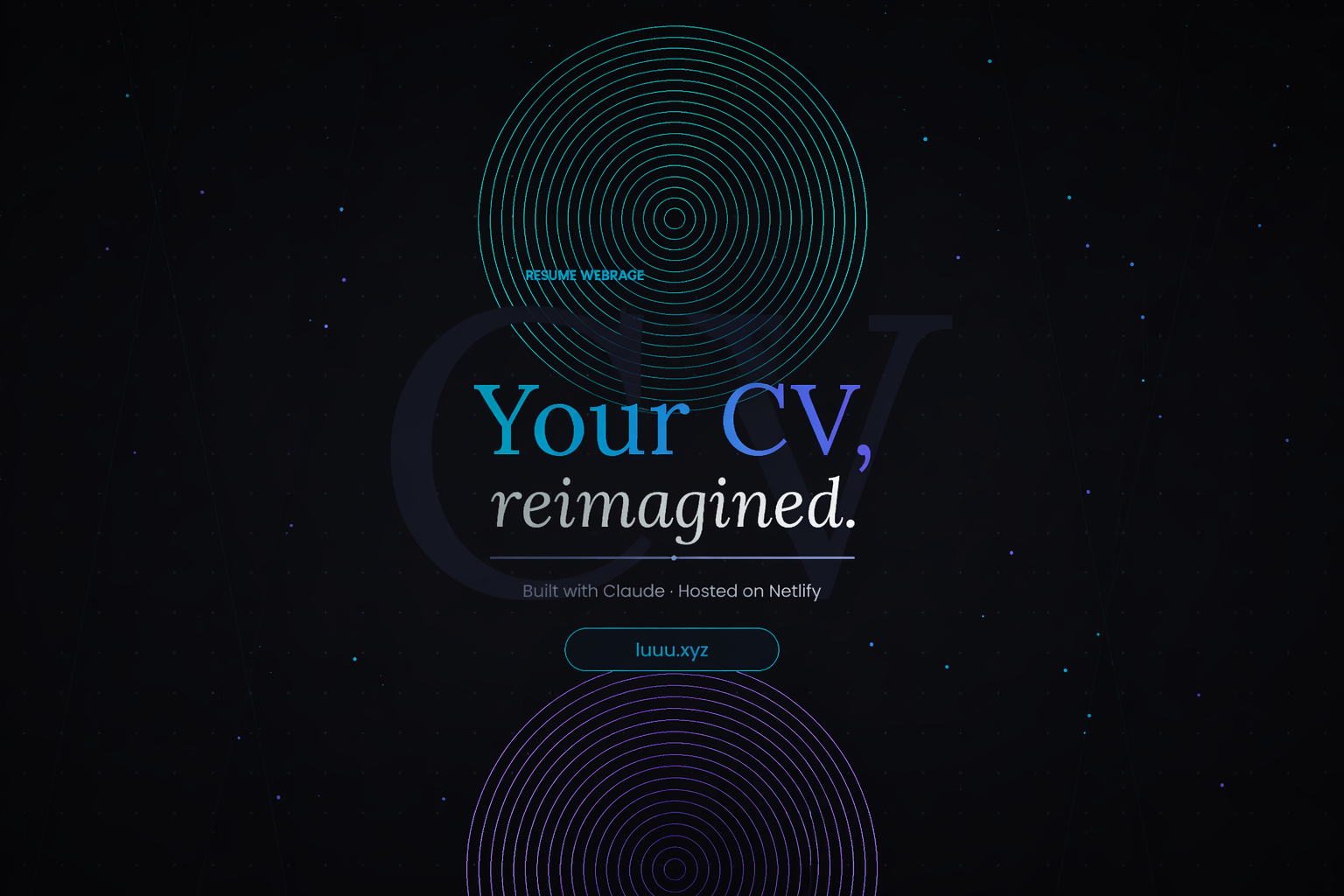
The finished luuu.xyz has all of this — built from a CV, a few screenshots, and a handful of prompts.
The dark mode toggle was my favourite addition. One prompt. Claude added a button, stored the preference in localStorage, and the whole site switched themes instantly. That took maybe three minutes.
Deploy in minutes with Netlify
Once you have your index.html file, deploying is almost embarrassingly easy.
- Create a free account at netlify.com
- Drag and drop your
index.htmlfile into the Netlify dashboard - Netlify gives you a random URL instantly (yoursite.netlify.app)
- Connect your custom domain in Settings → Domain management
- Point your Namecheap DNS to Netlify’s servers
DNS propagation takes a few hours. Then your page is live on your domain.
That’s it. No servers. No monthly bills. No configuration files. Netlify handles everything.
The honest take
I’m not a developer, and I didn’t pretend to be. I used Claude as a tool — not to replace understanding, but to bridge the gap between what I know and what I needed to build.
The prompts I gave Claude weren’t technical. They were human. “I want it to feel like a dark, modern Web3 page.” “Add some personality.” “Make it feel less like a CV and more like me.”And Claude translated those into code.
The total time from empty domain to live website was under 30 min. The total cost was the €3 I spent on luuu.xyz over a year ago.
If you’ve been putting off building a personal page because you think you need to learn to code. You don’t. Not anymore.Go buy your domain. Open Claude. Paste your CV. See what happens.
You can see the result at luuu.xyz