How to Use a Cryptomus Crypto Card for Google Play Purchases
 Cryptomus4 min read·Just now
--
Many users are unaware that crypto can be used for digital purchases just like traditional money. Apps, games, and subscriptions on Google Play are usually paid for with bank cards, but there is another option that works in a similar way. In this article, we will show how a crypto card can be one of the easiest ways to do it.
What Are Crypto Cards?
A crypto card functions similarly to a standard debit or credit card. The main difference is that it’s connected directly to a crypto wallet rather than a traditional bank account.
A crypto card functions similarly to a standard debit or credit card. The main difference is that it is linked to a cryptocurrency wallet rather than a traditional bank account. For users, it works just like a typical purchase, where they enter their card details at checkout and finish the transaction normally.
Crypto is not spent directly when paying on Google Play. Instead, a crypto card is used just like any other bank card. During checkout, crypto is instantly converted into fiat, and the payment is processed through traditional card systems. You don’t have to transfer funds between platforms or manually convert crypto. To the user, it behaves just like a regular card payment, even though the funds originate from crypto.
Why Do Crypto Cards Work Well for Online Purchases?
Online payments are one area where crypto cards perform especially well. The thing is, card payments are typically better supported across digital platforms than direct crypto payments. Here are more reasons why crypto cards fit well with online services like Google Play:
- Compatibility: Crypto cards are generally accepted in most online shops and services, so you’re not limited to merchants that specifically support crypto.
- Convenience: Users can pay the same way they would with a traditional bank card, using a simple and recognizable payment process.
- Lower fees: Compared to traditional bank cards, crypto cards may help cut costs, especially for international transactions.
- Stablecoin use: Payments can be made with different tokens and stablecoins, with automatic conversion from crypto to fiat happening right when the purchase is made.
- Budget separation: It helps distinguish daily spending from held crypto assets, improving overall financial organization.
- Security tools: Many crypto cards include advanced 3D Secure protection, real-time monitoring, biometric login options, and fast card blocking when required.
How to Pay With a Crypto Card on Google Play?
Using a crypto card on Google Play is simple and works much like a regular card payment. The process goes like this:
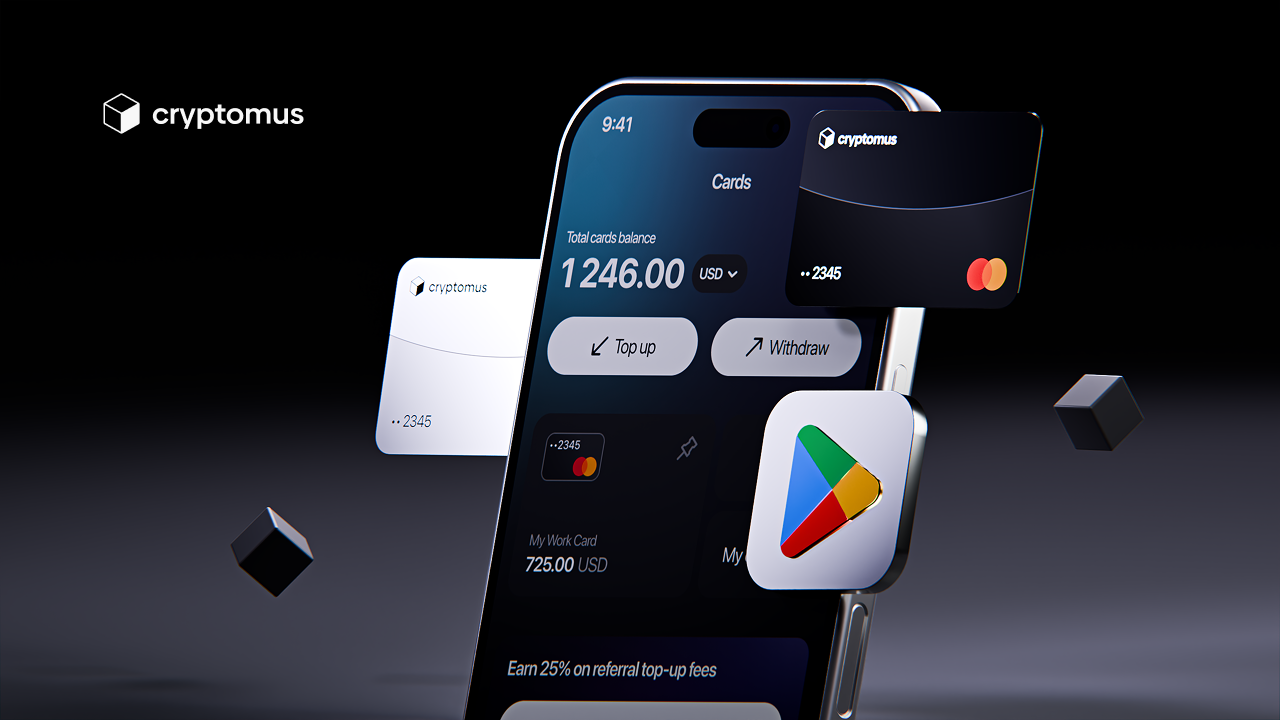
- Get a card. First, choose a provider that offers crypto cards, such as Cryptomus. You’ll need to register, complete KYC verification, select a card, and pay a $4 issuance fee.
2. Fund the card. Top up the Cryptomus card using USDT or USDC from your wallet. You’ll need to pay a fee of 3.2%, with a minimum charge of $1.
3. Add your card to Google Play. Open the Play Store, tap your profile icon, then go to Payments & subscriptions and Payment methods. Choose Add credit or debit card and enter your Cryptomus card details.
4. Make a purchase. At checkout, select your stored card and complete the payment.
Common Problems and How to Solve Them
Although the process is simple, users may still experience certain problems. Once the reason is identified, they are usually not difficult to solve. Here’s what issues you could run into:
- Card not accepted. This often means the card is not fully set up. Make sure your Cryptomus card is active for online payments.
- Payment failed. This can happen due to incorrect details, temporary restrictions, or security checks. Re-enter details or try again later.
- Insufficient funds. Even small purchases may fail if the balance does not cover the full amount with fees. Keeping a small extra amount on the card should help.
- Billing mismatch. Payments may be rejected if billing details do not match your card settings. Use the exact details from your Cryptomus card profile.
- Location restriction. Some payments are limited by region. Verifying regional availability or adjusting payment settings may help.
Who Should Get a Crypto Card?
A crypto card is good for people who already keep money in crypto and want to spend it in daily life. The conversion happens automatically, so you only need to top up the card instead of moving funds through different services. It is also useful for paying for apps, games, and subscriptions like Google Play.
In general, a solution like the Cryptomus crypto card is practical for daily spending and feels similar to using a regular bank card.