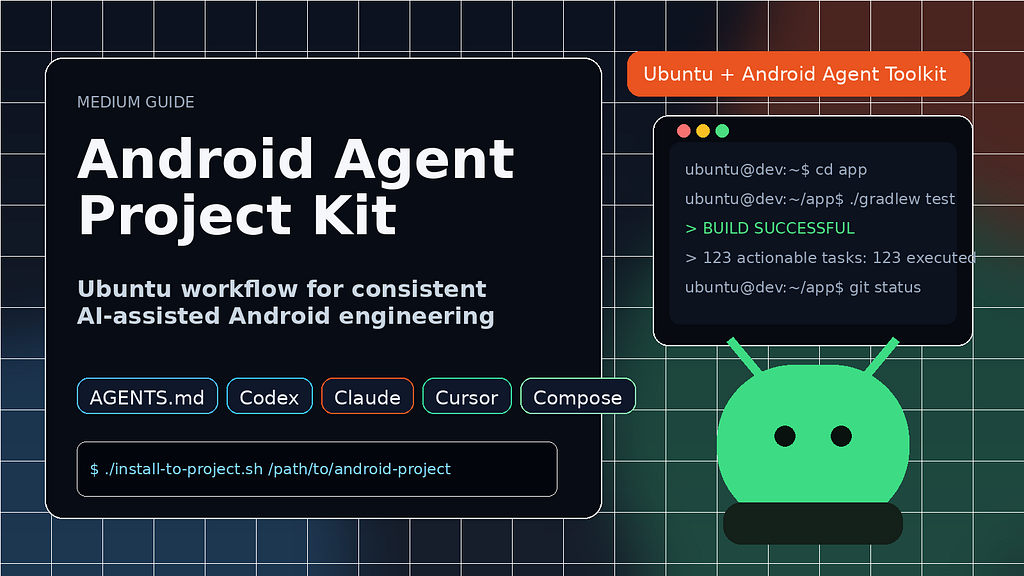
If you use AI coding agents for Android work, you’ve probably seen inconsistent outputs: one agent ignores Compose lifecycle rules, another forgets PR hygiene, another adds risky shortcuts.
I fixed that by creating a small reusable kit that installs shared Android instructions into any repo.
This article explains the process, usage, and the “why,” with real examples.
The Problem
In multi-agent workflows (Codex, Claude, Cursor), quality drifts when each tool runs with different assumptions.
That drift shows up as:
• Architecture inconsistency across modules
• Compose anti-patterns (collectAsState vs collectAsStateWithLifecycle)
• Weak test coverage expectations
• PRs missing checklist discipline
I wanted one Ubuntu-friendly setup that makes behavior consistent across agents.
What the Kit Does
android-agent-project-kit installs a small set of files into your Android project:
• AGENTS.md for repo-level Android standards
• .claude/ instructions + Android skill
• .codex/ instructions + Android skill
• .cursor/rules/ for Compose and planning rules
• .github/pull_request_template.md for PR quality gates
It also adds local excludes in .git/info/exclude so these helper files stay local by default unless you intentionally commit them.
Ubuntu Setup and Installation
From your Android project root:
/home/rhymezxcode/android-agent-project-kit/install-to-project.sh .
Or with a target path:
/home/rhymezxcode/android-agent-project-kit/install-to-project.sh /path/to/android-project
Optional convenience symlink:
sudo ln -s /home/rhymezxcode/android-agent-project-kit /android-agent-project-kit
Then install via:
/android-agent-project-kit/install-to-project.sh .
Verify Exclusion Works after installation
ls -la AGENTS.md .claude .codex .cursor .github/pull_request_template.md
cat .git/info/exclude
git status --short
If excludes were applied, these helper files usually won’t appear in normal git status.
Why This Approach Works
• One source of truth for Android standards across AI tools
• Better Compose correctness by default
• Safer outputs (security + validation reminders baked in)
• Faster onboarding for new projects
• Better PR consistency with a checklist template
Usage Examples
Example 1: Compose bug fix request
Prompt: “Fix state collection in HomeScreen and follow project standards.”
Expected behavior from agents:
• Move from collectAsState to collectAsStateWithLifecycle
• Keep business logic out of Composables
• Preserve accessibility and touch-target rules
• Run focused Gradle checks and report results
Example 2: Large refactor request
Prompt: “Refactor auth + profile flow across modules.”
Expected behavior:
• Agent creates a short plan first (modules, data flow, risks, tests)
• Waits for approval before broad edits
• Executes scoped changes aligned with architecture boundaries
Example 3: PR preparation
Prompt: “Prepare PR summary and checklist.”
Expected behavior:
• Uses .github/pull_request_template.md
• Lists affected modules/dependencies
• Includes test evidence and edge-case coverage
Conclusion
android-agent-project-kit gives you a practical way to make AI-assisted Android development predictable on Ubuntu. Instead of repeating standards in every prompt, you install once and get consistent guidance for architecture, Jetpack Compose best practices, testing discipline, and PR quality across Codex, Claude, and Cursor. The result is less drift, faster delivery, and cleaner collaboration as your project grows.
I will release a solution for Windows and Mac uses very soon, just stay tuned to more of my Articles
GitHub repository:
https://github.com/RhymezxCode/android-agent-project-kit-for-ubuntu
How I Standardized Android AI Coding on Ubuntu with android-agent-project-kit was originally published in Level Up Coding on Medium, where people are continuing the conversation by highlighting and responding to this story.